


AI builds the structure and script
It orders your media and writes a narration script that fits the content.

Pick your photos.
Get a reel with narration.
Reel Make turns a few photos or short clips on your phone into a finished vertical reel. AI handles structure, narration, captions and cuts, so no editing skills are needed.
Version 0.2.4, updated 2026-10-16 (App Store Japan)
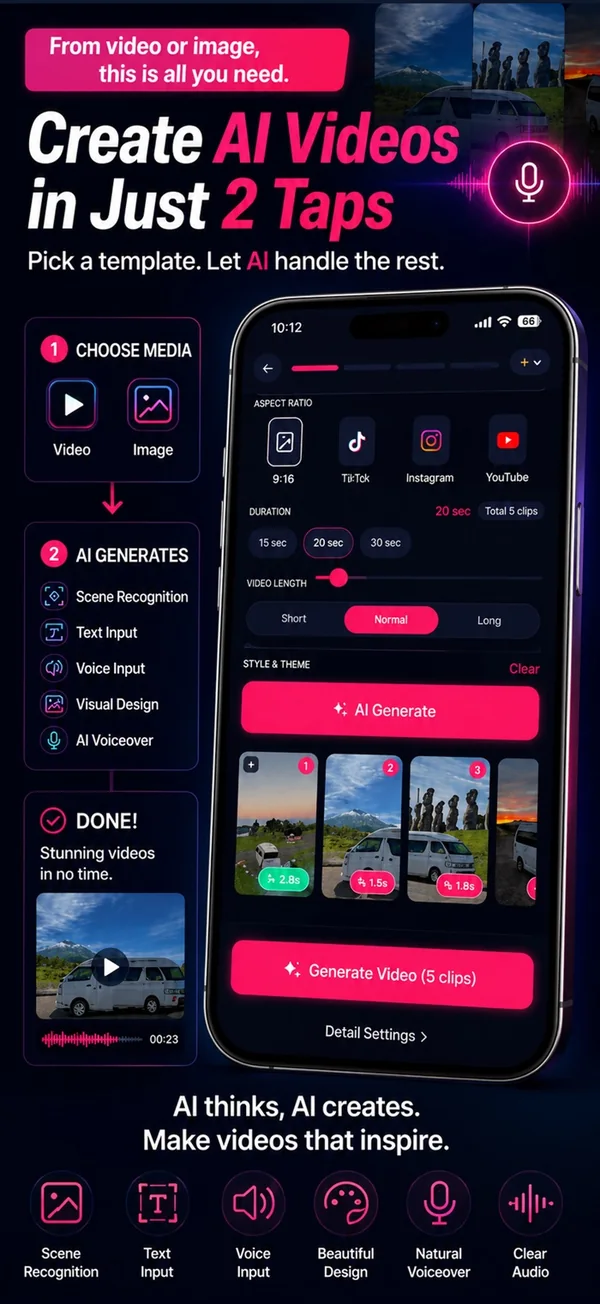
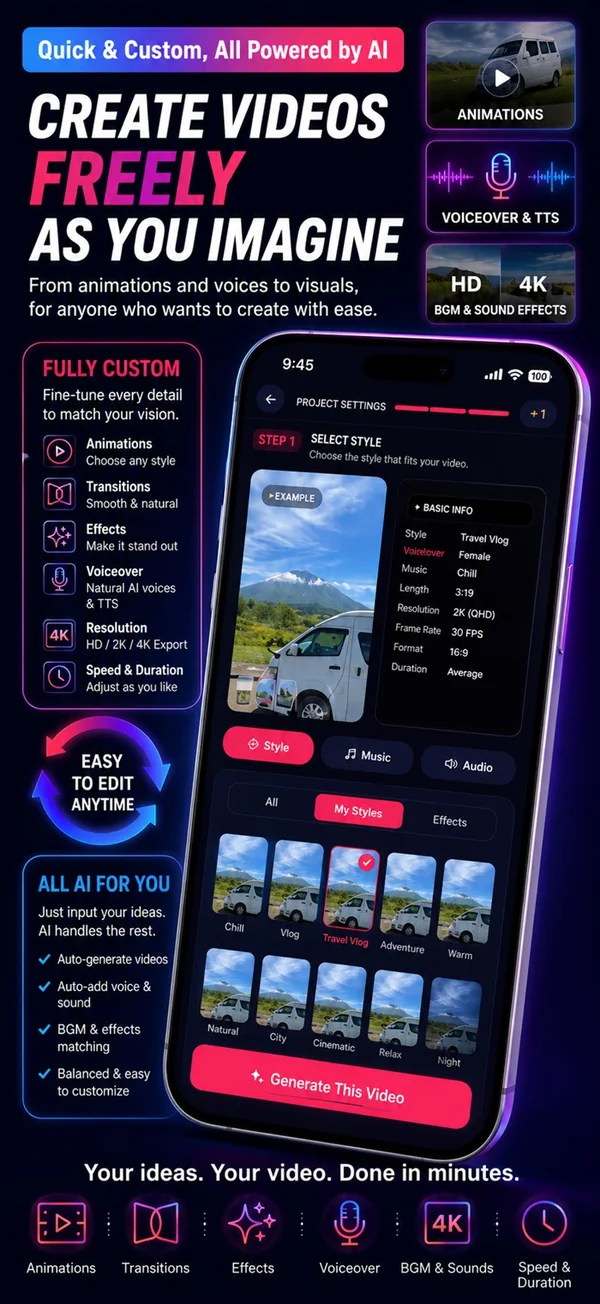
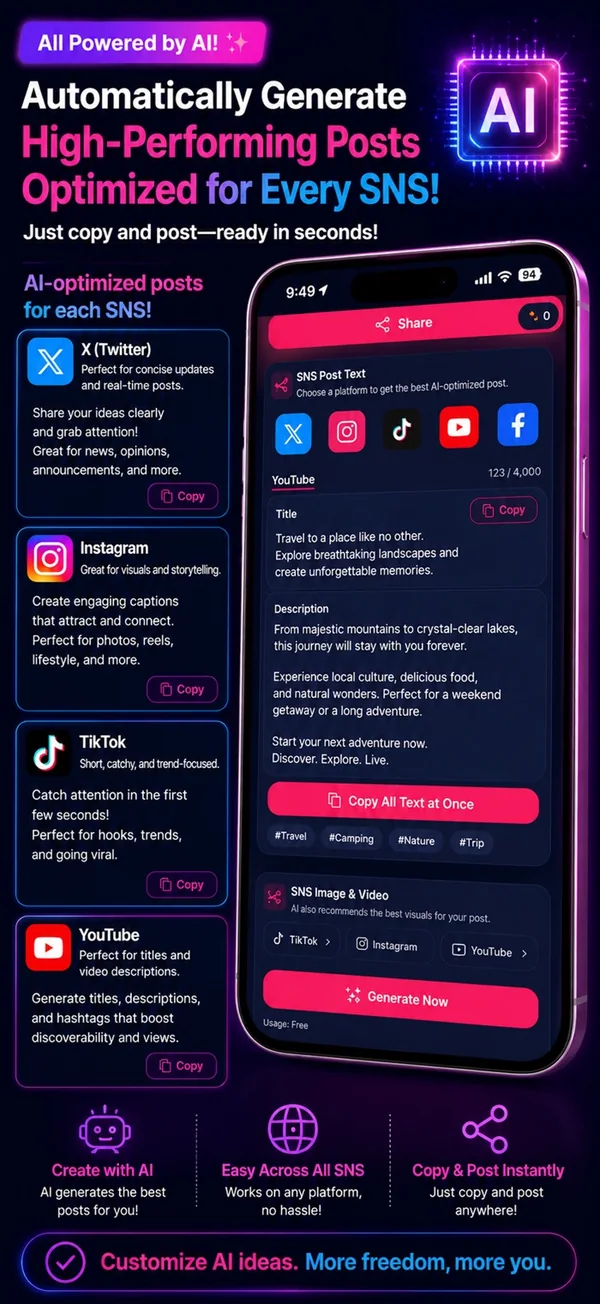
It orders your media and writes a narration script that fits the content.
Up to 60 multilingual voices with speaker, tone and speed. Preview before export.
Karaoke-style captions with designs, text animations, colours and sizes you can adjust.
Cut editing and music mixing are automatic, and you can balance narration and music.
Vertical 9:16 and other ratios, plus captions for each social network copied in one tap.
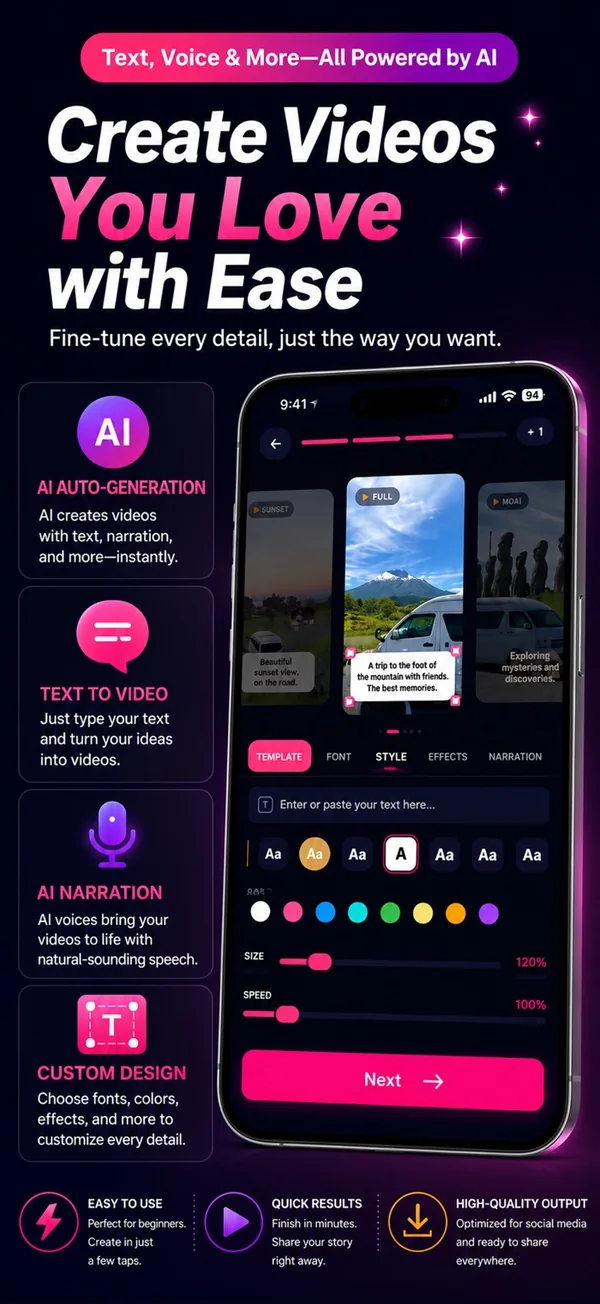
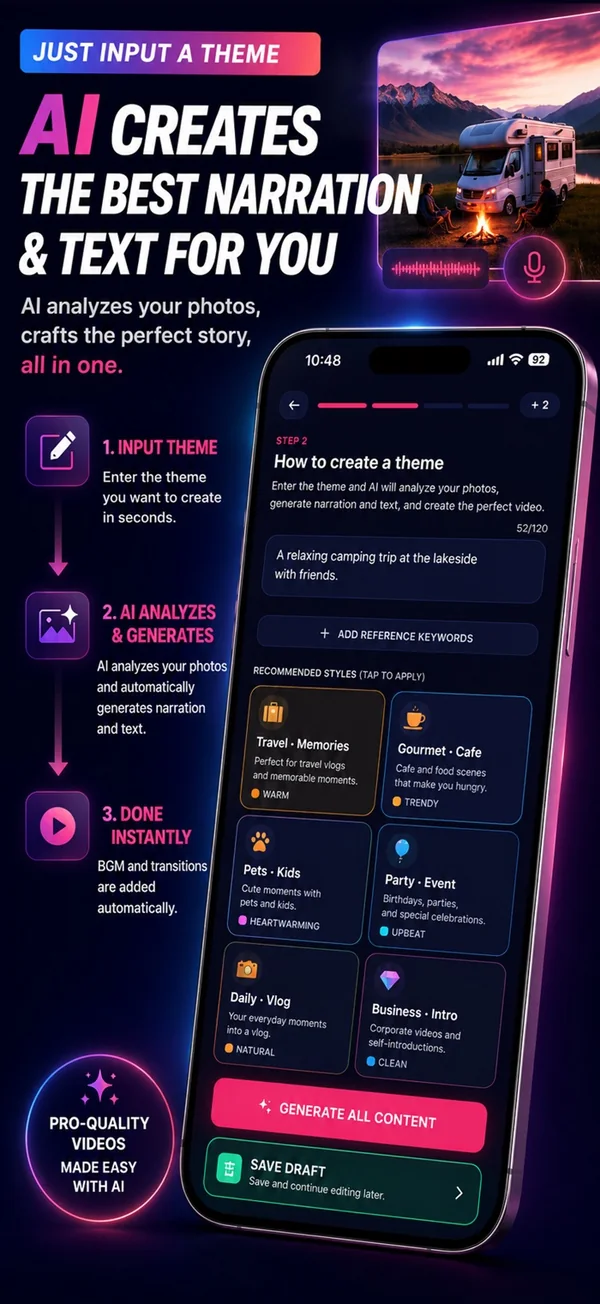
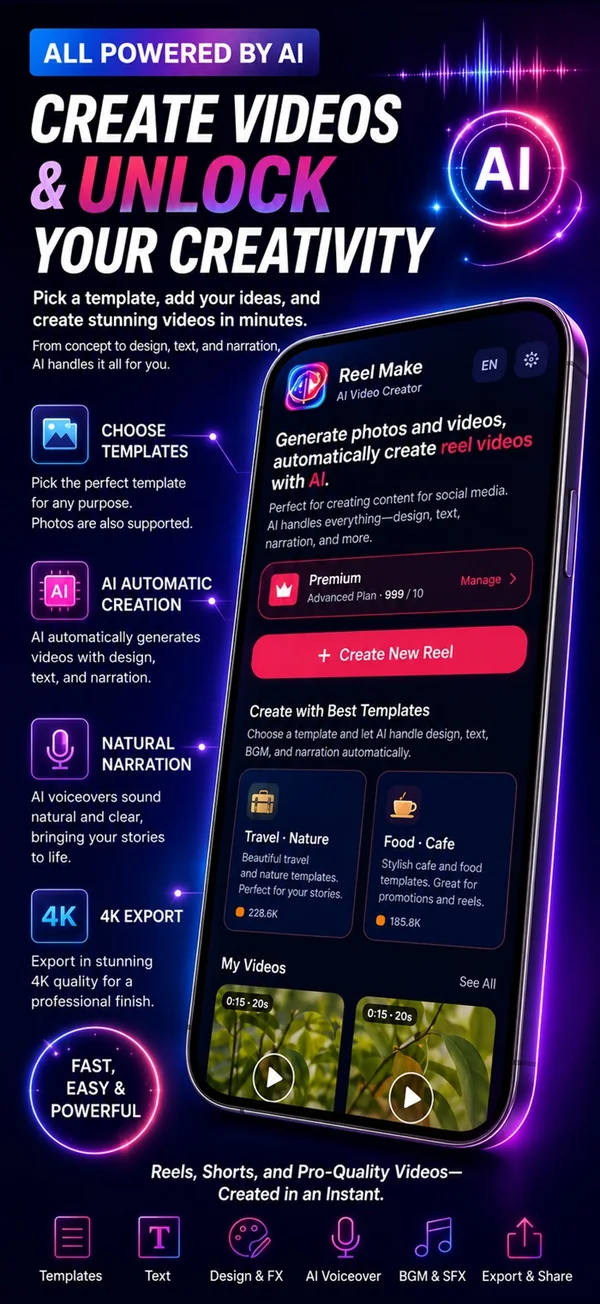
Screens from the App Store listing.
Clips can be trimmed.
Preview voices first.
Then just wait.
Free exports up to 30 seconds. Pro (45 seconds, 1080p, no watermark) and MAX (90 seconds) are monthly or yearly auto-renewing subscriptions; see the purchase screen for prices.
Free to download. The in-app purchase screen shows current prices and terms.
 LearnGokaku! Quest
Entrance-exam science, social studies, Japanese and math, plus certifications and languages. 12 courses in one app.
 Feel betterMochi
A soft companion to talk with. Put feelings into words and spend a little time together every day.
 TravelCar Concierge
Where to rest tonight, parking fees, EV charging and the next destination, on a single map for road trips in Japan.


